 Cameo
Screen recorder + motion editor for Mac
Record once.Ship a film.
Cameo turns a plain screen recording into a finished video — zooms that follow your clicks and typing, motion titles, captions and a canvas that looks designed.
Free download · every feature open · macOS 13 or later
Made with Cameo. One take, no editing by hand.
How it works
You record. Cameo does the rest.
Keep scrolling to watch one take become a finished video.One take, from plain recording to finished video.
Record
You record your screen the way you normally would.
Frame
It goes onto a designed canvas, with rounded corners and a soft shadow.
Zoom
Cameo pushes in where you click, then settles back out.
Caption
Captions timed to every word, and your camera in a bubble.
Finish
Stop recording, and this is the video you get.
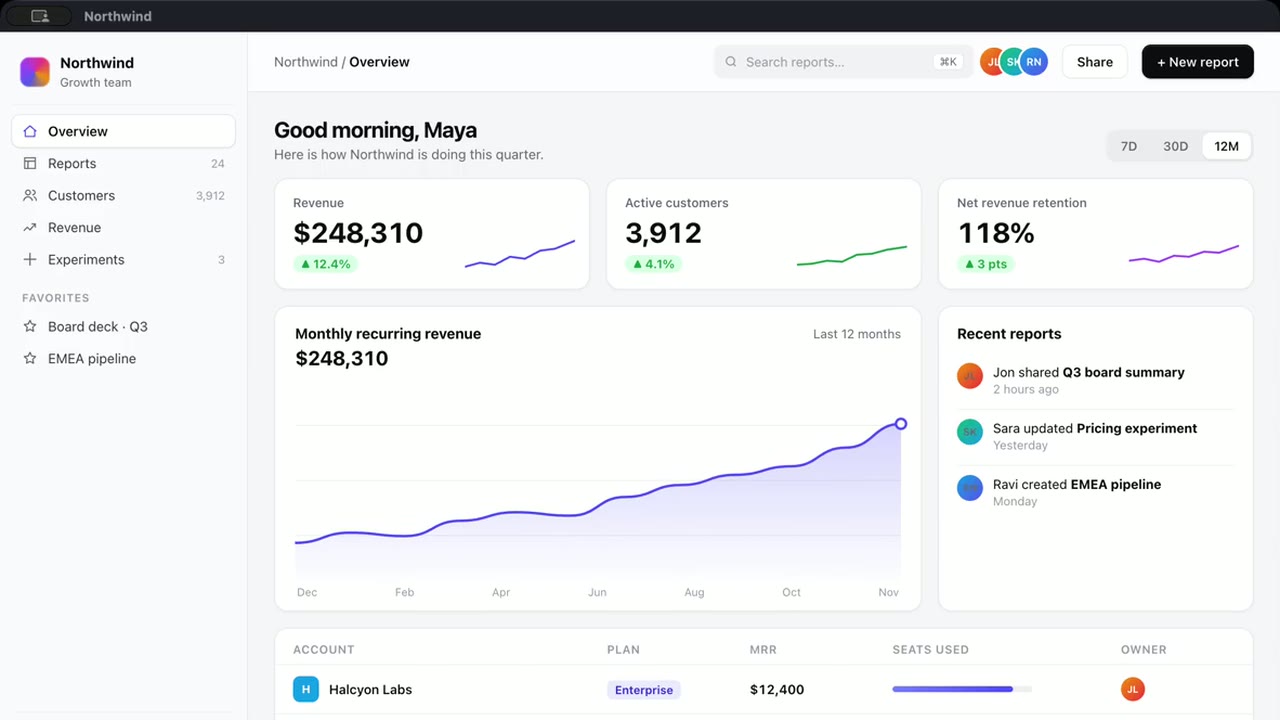
Before & after
Same take. Two videos.
Drag across. Left is what you recorded; right is what Cameo hands you when you stop.
What it does for you
The edit you would have made, already made.
Auto Zoom
Pushes in where you click and follows the line you are typing — then settles back. No keyframes from you.
Motion titles
Type your words; they arrive with real motion blur and timing.
Animated charts
Rings, bars and numbers that count up — from a few values.
Captions
Transcribed on your Mac, timed to every word, viral in one click.
Keystrokes on screen
Shortcuts appear as keycaps, out of the way of captions and camera.
Camera, framed
Your webcam as a bubble, a drawer or full screen — moving with the edit.
Effects
Glow, chromatic, glitch and liquid — stacked like layers.
Made with Cameo
Any kind of work, told well.
Three real recordings, finished in Cameo. Pick one.
A coding session
The zoom follows the caret as the line grows, then pans across to Run.
18 s · Auto Zoom
The Studio
When you want a say, it’s all yours.
Everything Cameo did on its own is laid out in the Studio, ready to change.
Themes in one click
Glass, Neon, Cinema — switch the whole look of a video, background and frame included.
Any shape, any size
Switch 16:9 to 9:16 and the canvas re-fits on its own. Size the video frame from 70 to 100%.
Every auto edit stays editable
Zooms and captions land on the timeline as clips you can move, trim or delete.
Pricing
Every feature is free. The finish isn’t.
Free
$0
- Every feature open
- Exports up to 1080p, up to 3 minutes
- “Made with Cameo” watermark
Cameo
$7.50 / month
billed yearly at $89.99 · or $23.99 monthly
- No watermark
- 4K exports, any length
- Cancel any time in App Store settings